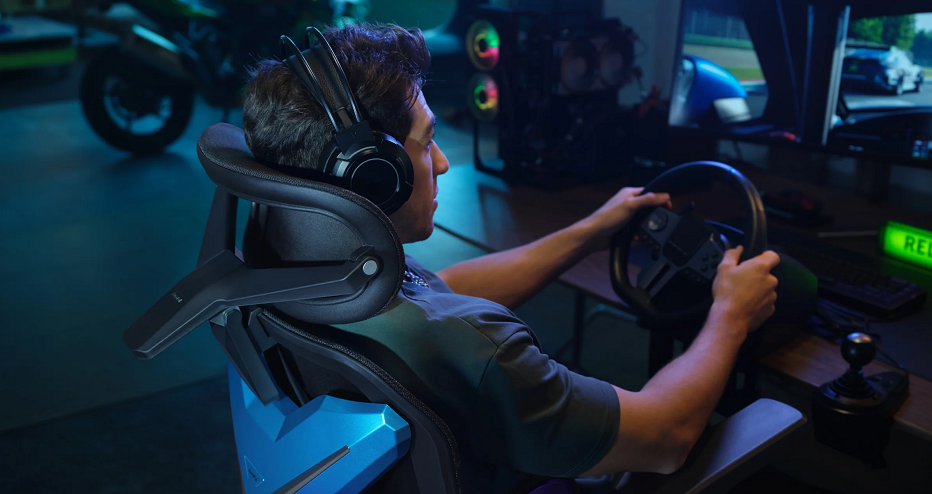
A gaming setup is often described through its most visible components: the monitor, keyboard, mouse, lighting, and PC. Yet there is one piece of equipment that quietly connects all of them—the chair.
For anyone who spends long periods gaming, working, streaming, or creating content at a desk, the chair can influence how the entire setup feels. AutoFull has built its product range around this idea, developing gaming and ergonomic seating designed to combine adjustable support with distinctive aesthetics.
Today, the brand’s catalog extends across several generations of gaming chairs, including its M-Series and G-Series, as well as gaming desks and related products.
A Different Way to Think About Gaming Chairs
A gaming chair is easy to view as part of a room’s decoration. Racing-inspired contours, bold colors, and large backrests can certainly give a gaming setup a recognizable appearance.
But AutoFull‘s current products place considerable attention on the functional side of seating.
Its product lineup includes features such as adjustable lumbar support, multi-directional armrests, adjustable headrests, reclining mechanisms, and other ergonomic elements. The exact configuration varies between models.
This creates an interesting balance: the chair can visually belong in a gaming environment while also being designed around the practical requirements of sitting for extended periods.

The M-Series: A Focus on Advanced Comfort
Among AutoFull‘s current offerings, the M-Series represents the brand’s more feature-oriented approach.
The M6 family, for example, includes models with dynamic lumbar support, adjustable armrests, ergonomic headrest designs, and recline functions. Some versions add features such as ventilation, heating, or massage.
These additions reflect how gaming chairs have evolved.
A basic chair might simply provide a place to sit. A more sophisticated model attempts to accommodate different situations throughout the day.
During an intense game, a user may want a more upright position and strong lumbar support. Between matches, the same person may prefer to recline and relax. Someone working from home might adjust the armrests and backrest differently from how they would during gaming.
The idea is not necessarily to create one “perfect” sitting position, but to provide enough adjustment to accommodate different activities.
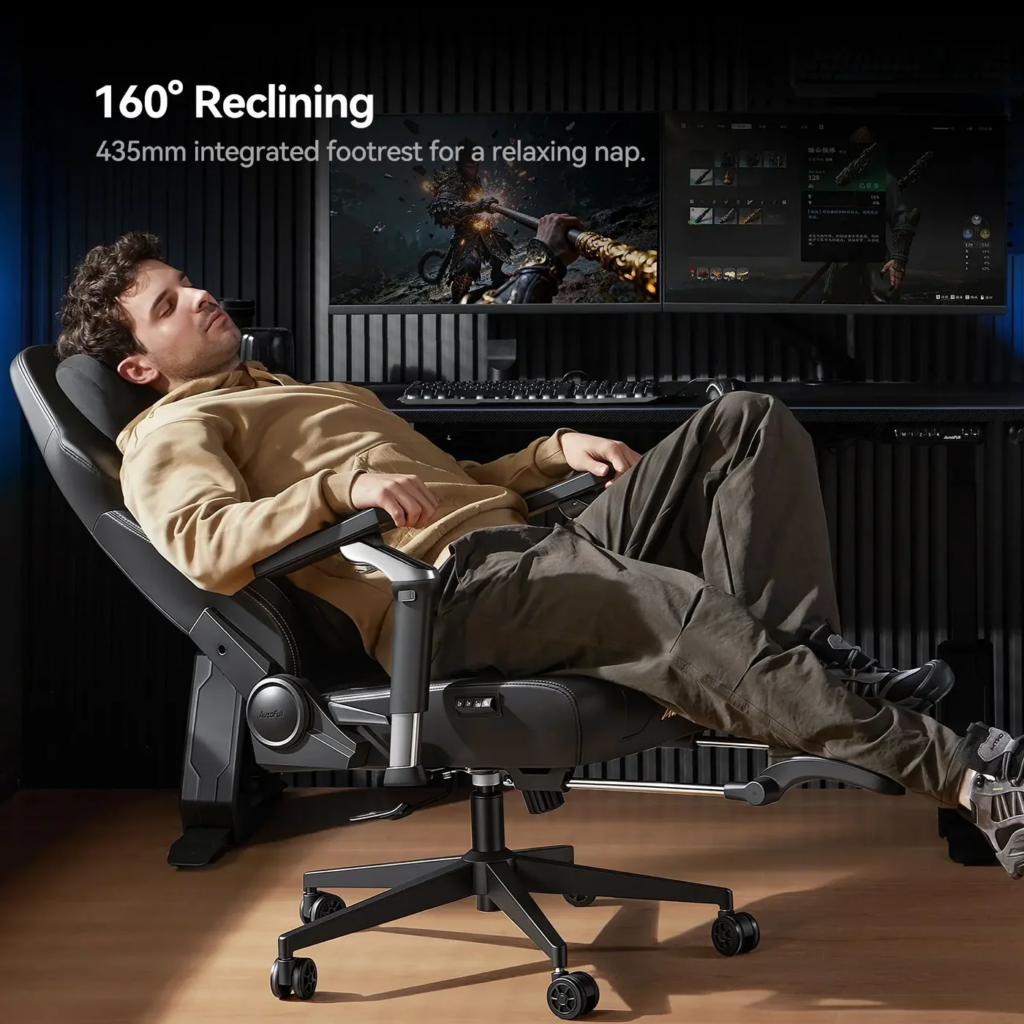
The G-Series and Everyday Flexibility
AutoFull‘s G-Series takes another approach to ergonomic seating.
The current G7, for example, features what the company describes as auto-dynamic lumbar support, 720-degree dual-axis armrests, a 4D headrest, and a 140-degree recline.
Those specifications may sound technical, but their practical purpose is relatively straightforward: different parts of the chair can be adjusted as the user’s posture and activity change.
This can be particularly relevant for people who use the same desk for multiple purposes.
One hour might be spent playing a competitive game. The next could involve answering emails, watching a movie, or browsing the internet. A flexible chair can adapt more easily to these transitions than a rigid seating design.
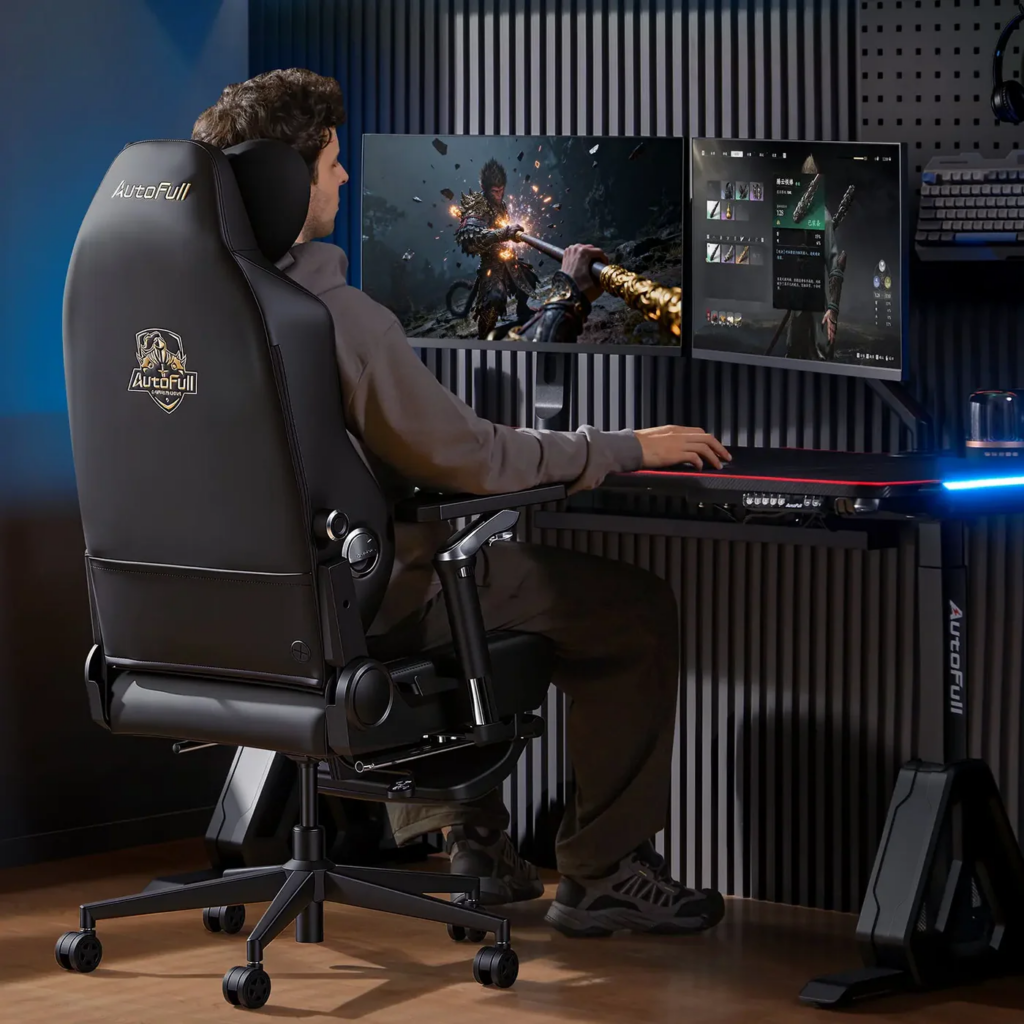
Comfort Is About More Than Padding
When people discuss comfortable chairs, cushioning is often the first thing that comes to mind.
However, long-term seating comfort involves much more than how soft a chair feels when you first sit down.
Seat dimensions, lumbar positioning, head support, armrest height, recline angle, and the relationship between the chair and desk can all affect the overall experience.
AutoFull‘s product specifications emphasize these adjustable components across different models. For example, current M-Series chairs feature combinations of dynamic lumbar support, adjustable armrests, headrests, and reclining systems.
This is also why shoppers should avoid choosing a chair based solely on its appearance.
A visually impressive chair may not be the right fit for every person. Height, body proportions, desk dimensions, preferred posture, and available room space should all be considered before purchasing.
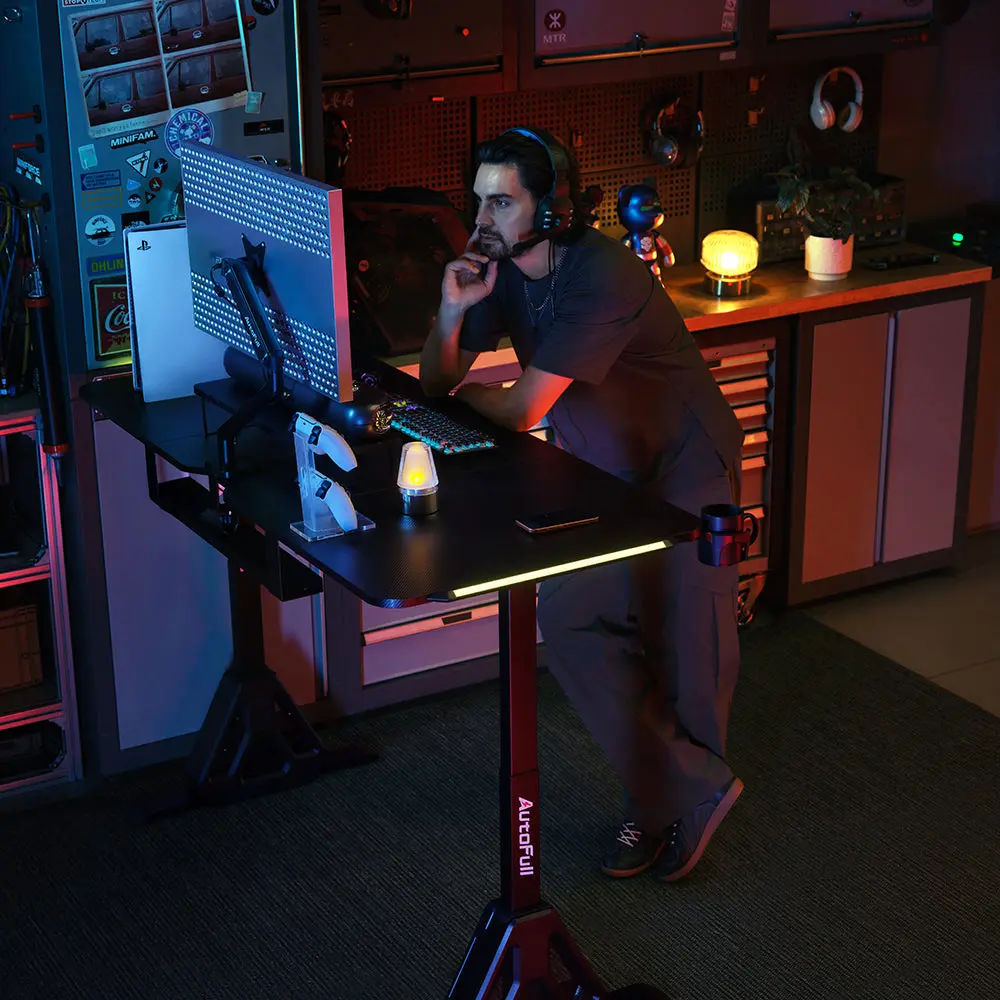
From Gaming Station to Workstation
The boundaries between gaming and work have become increasingly blurred.
A single desk may serve as a gaming station during the evening and a home office during the day. Students may use the same setup for classes, research, entertainment, and gaming.
This makes versatility increasingly important.
AutoFull positions its G-Series as suitable for both work and play, while its broader range includes different seating configurations and price points.
A chair that fits naturally into a professional workspace can therefore be useful beyond gaming.
For a minimalist desk, a relatively understated black or white chair may integrate easily with the room. For a more colorful gaming environment, AutoFull also offers options such as pink and purple G7 variants.
The choice becomes less about following a particular gaming aesthetic and more about deciding how the chair should interact with the rest of the room.
Design as Part of the Experience
Gaming equipment has developed its own visual language.
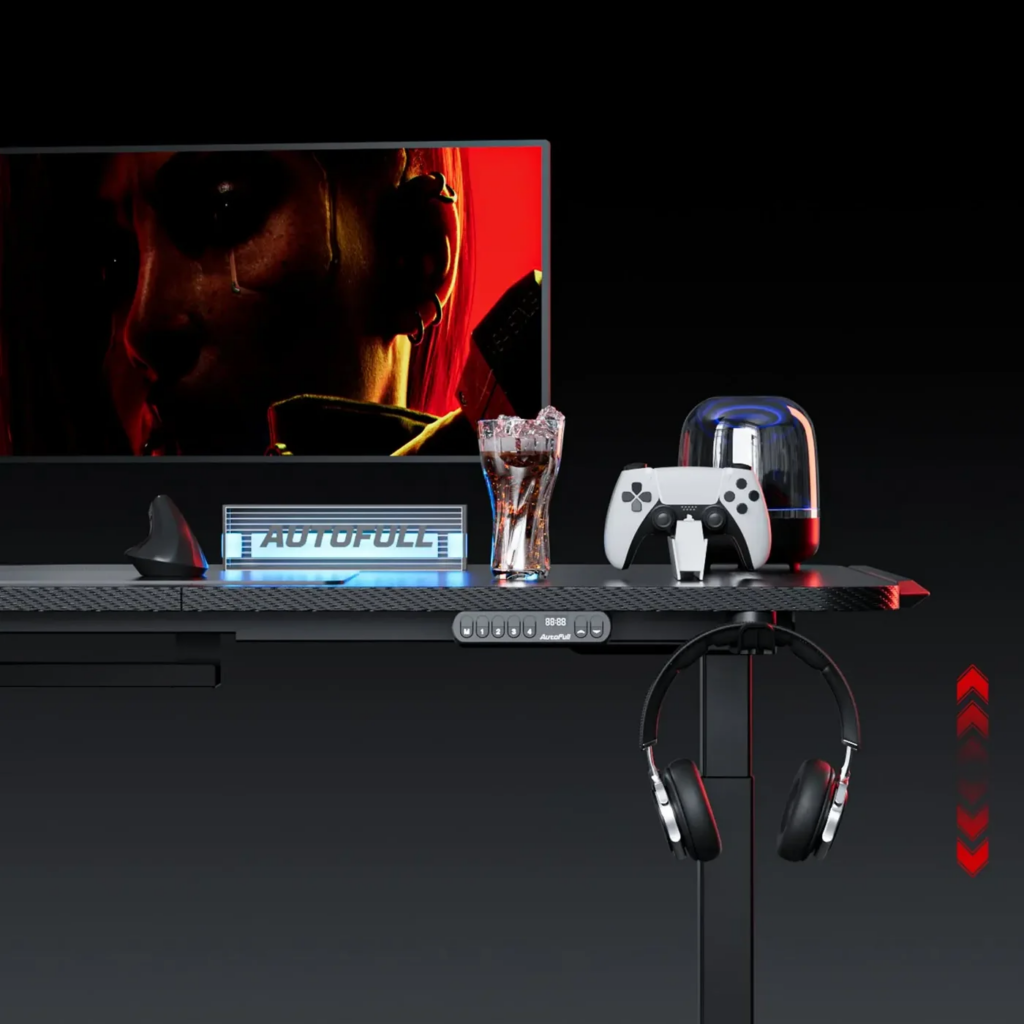
RGB lighting, large displays, mechanical keyboards, custom PCs, and themed accessories allow users to personalize their spaces. A chair can contribute to that identity without necessarily dominating it.
AutoFull offers several approaches, ranging from the more traditional racing-inspired appearance of gaming chairs to cleaner ergonomic designs.
The C-Series, for example, includes models with distinctive styling and different combinations of ergonomic pillows, recline angles, and adjustable components.
The result is a range that can accommodate different tastes.
Some users may want their chair to immediately communicate “gaming.” Others may prefer something that blends into a home office or bedroom.
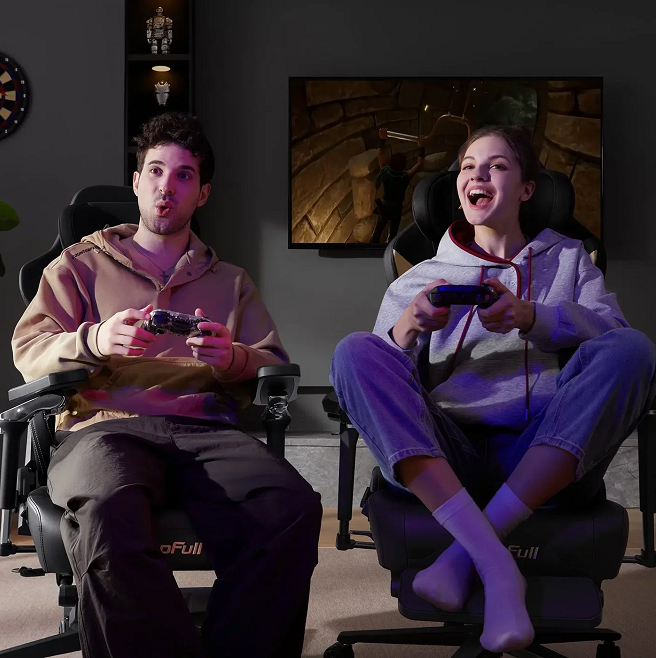
Choosing the Right AutoFull Chair
Because the product range includes several series and configurations, choosing a chair should begin with personal requirements rather than simply selecting the newest model.
Consider how you use your desk
If your desk is primarily used for competitive gaming, adjustable support and arm positioning may be particularly important.
If you alternate between gaming and office work, recline adjustment and overall ergonomics may receive more attention.
For casual gaming, a simpler model may provide the functions you actually need without unnecessary extras.
Think about your available space
A large gaming chair can look impressive online but occupy substantial floor space.
Measure the area around your desk before ordering, especially if the chair needs to move backward or recline.
Pay attention to dimensions
Check seat height, seat width, backrest dimensions, and the manufacturer’s recommended user range.
Chair fit is highly personal. A feature-rich chair is not automatically comfortable for everyone.
Decide which features matter
Massage, heating, ventilation, highly adjustable armrests, and advanced lumbar systems can add complexity and cost.
Instead of paying for every available feature, consider which ones you are actually likely to use.
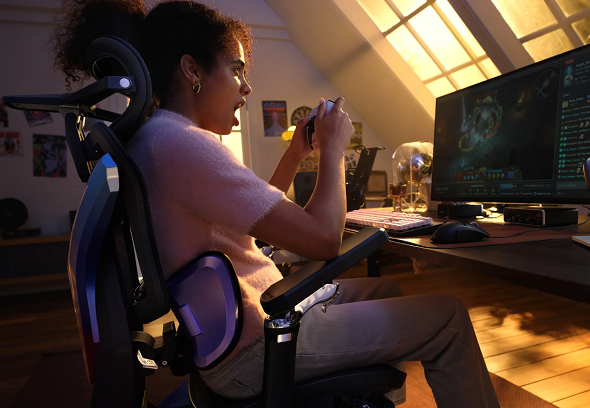
A Chair at the Center of the Setup
There is an interesting relationship between a gaming chair and the rest of a gaming environment.
The monitor determines what you see. The keyboard and mouse determine how you interact with the game. The computer determines what the system can run.
The chair determines how you experience all of those things over time.
That makes it more than another accessory.
For this reason, AutoFull‘s emphasis on ergonomic seating is an important part of its identity. The company says it has invested in research, design, and testing, and its current website highlights more than 52,800 hours of R&D, 15,000+ designs, and 108,800 hours of testing. These are company-provided figures rather than independent assessments.
Beyond the Chair
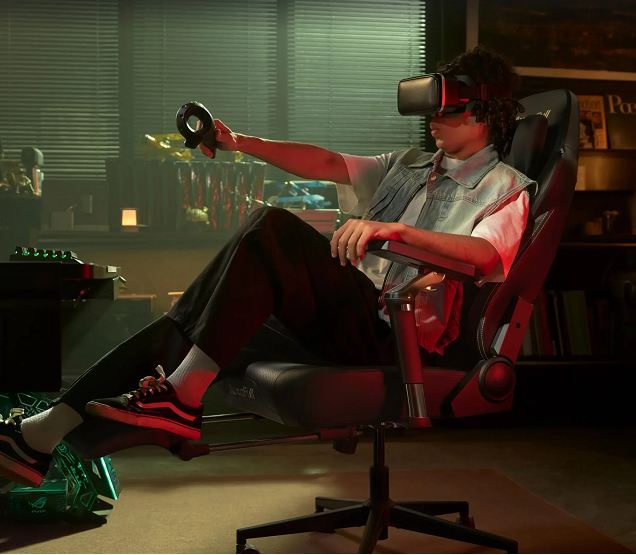
AutoFull is also expanding the idea of a complete gaming environment through products such as gaming desks.
Its current lineup includes the A4 Pro RGB electric gaming desk, along with chair-and-desk bundles featuring M6 models.
This makes sense from a setup perspective.
A chair and desk work as a pair. Seat height affects arm position; desk height affects posture; monitor placement affects head and neck position. Treating these components independently can make it harder to create a comfortable workstation.
A coordinated setup can instead be designed around the user’s actual dimensions and habits.
The Appeal of Personalization
Perhaps the most interesting part of modern gaming furniture is personalization.
There is no single definition of a gaming setup anymore.
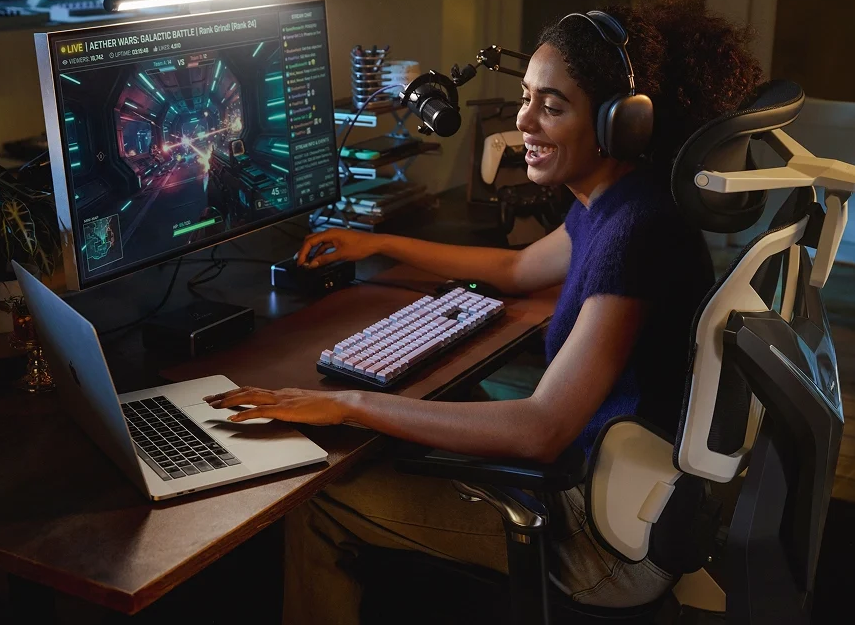
One person may have a high-performance PC with multiple monitors and RGB lighting. Another may have a laptop, compact desk, and a single ergonomic chair. Someone else may use the same workstation for gaming, editing videos, studying, and working remotely.
AutoFull‘s range reflects this variety through different chair series, colors, features, and configurations.
That gives shoppers the opportunity to start with their own routine rather than trying to reproduce somebody else’s setup.
Final Thoughts
A gaming setup can be built around impressive technology, but the experience ultimately comes down to how comfortably and naturally everything works together.
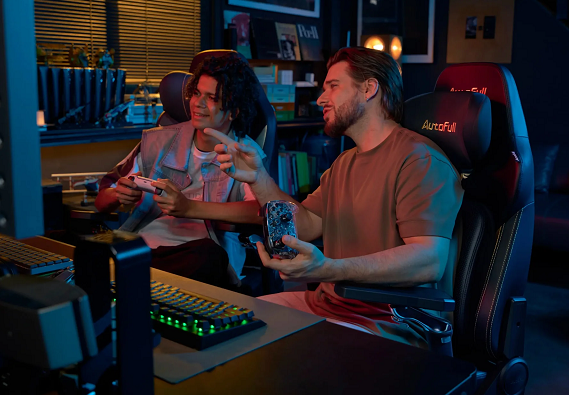
AutoFull places the chair at the heart of that experience.
From the feature-rich M-Series to the adaptable G-Series and more accessible C-Series options, the brand’s current catalog explores different approaches to gaming and ergonomic seating.
For shoppers considering a new gaming chair, the most useful question may not be “Which chair looks the coolest?”
Instead, consider how you actually spend your time at your desk.
How long do you sit? Do you game and work in the same place? Do you prefer an upright or reclined position? Which adjustments would genuinely make your daily routine easier?
Once those questions are answered, choosing a chair becomes much more straightforward.
And that is ultimately what makes AutoFull interesting: it treats the gaming chair not simply as a visual accessory, but as one of the central pieces connecting comfort, functionality, and the personality of a modern gaming space.